Features
Registration without detours.
Guests land on your event page, pick a ticket type and enter their details. What you set up beforehand decides who gets a place.
One event page per event
Every event gets its own public page with description, date and registration. Ticket types separate early bird, student and companion tickets, each with its own quota.
- Own event page with a stable address
- Several ticket types with their own quota
- Waitlist once a quota is full
- Voucher codes for reduced places
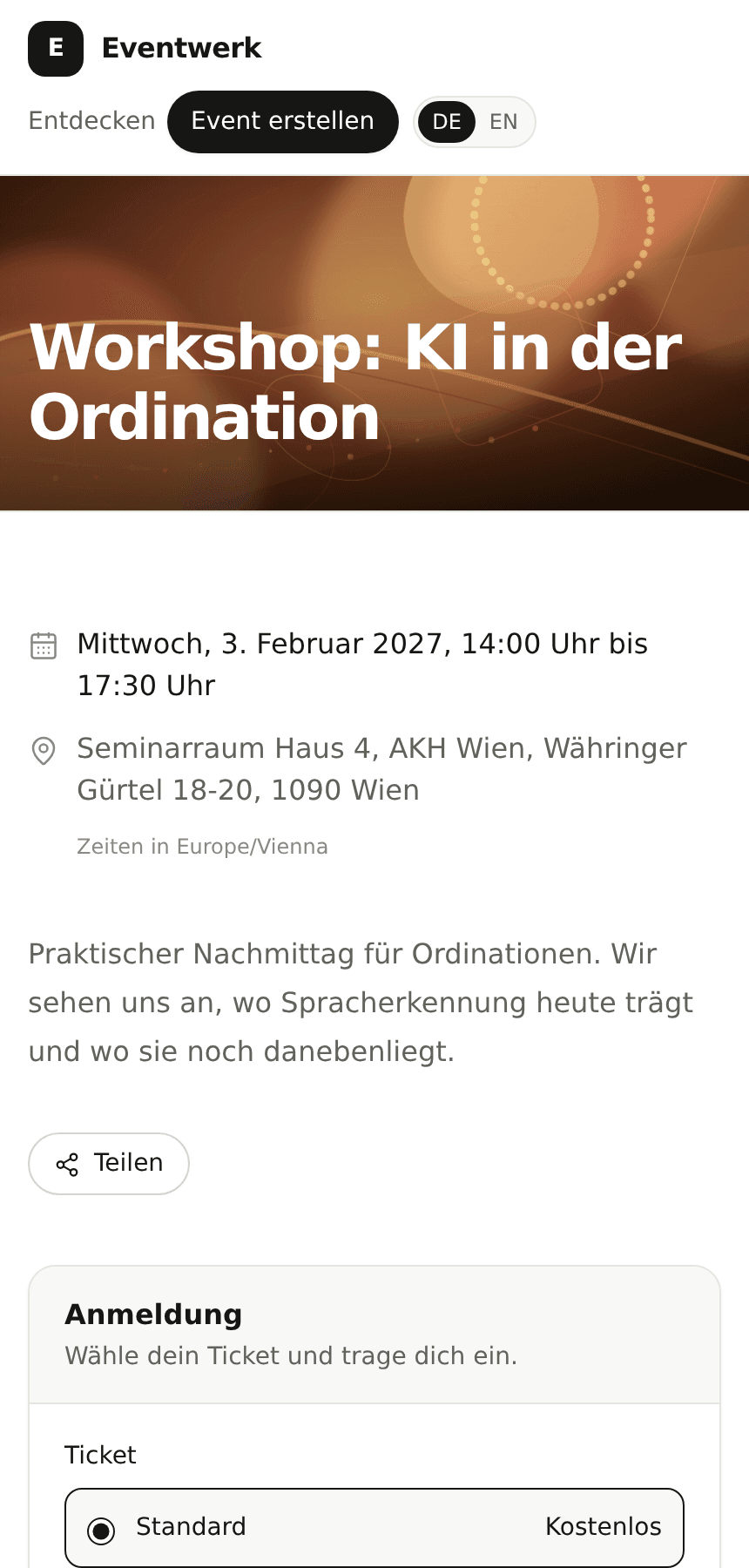
You decide who gets in
For closed groups, registration can require approval or an access code. Both sit next to open registration, and you choose per event.
- Approval: you release every place
- Access code: only invited guests reach the page
- Questions for guests, answers shown in the guest list
Confirmation, calendar and cancellation
After registering, the guest gets a confirmation email with a calendar file. Before the event, Eventwerk asks about attendance once more. Anyone who cannot come cancels via their own link.
- Confirmation email with calendar file
- Attendance check before the event
- Guest cancellation via their own link
Next in the flow
Guest list and check-in
All registrations in one place, with filters, import, export and QR check-in.
Learn moreInvitations and reminders
Messages to selected guests, reminders before the event and a delivery report.
Learn morePricing and plans
Which plan includes which sending limits and features.
Learn moreSee the flow on an event of your own.
Create an event, open the event page and test the guest list and check-in with a small group.